
Contents (7)

·
Selling usernames with Stripe: the whole flow, from new account to working checkout
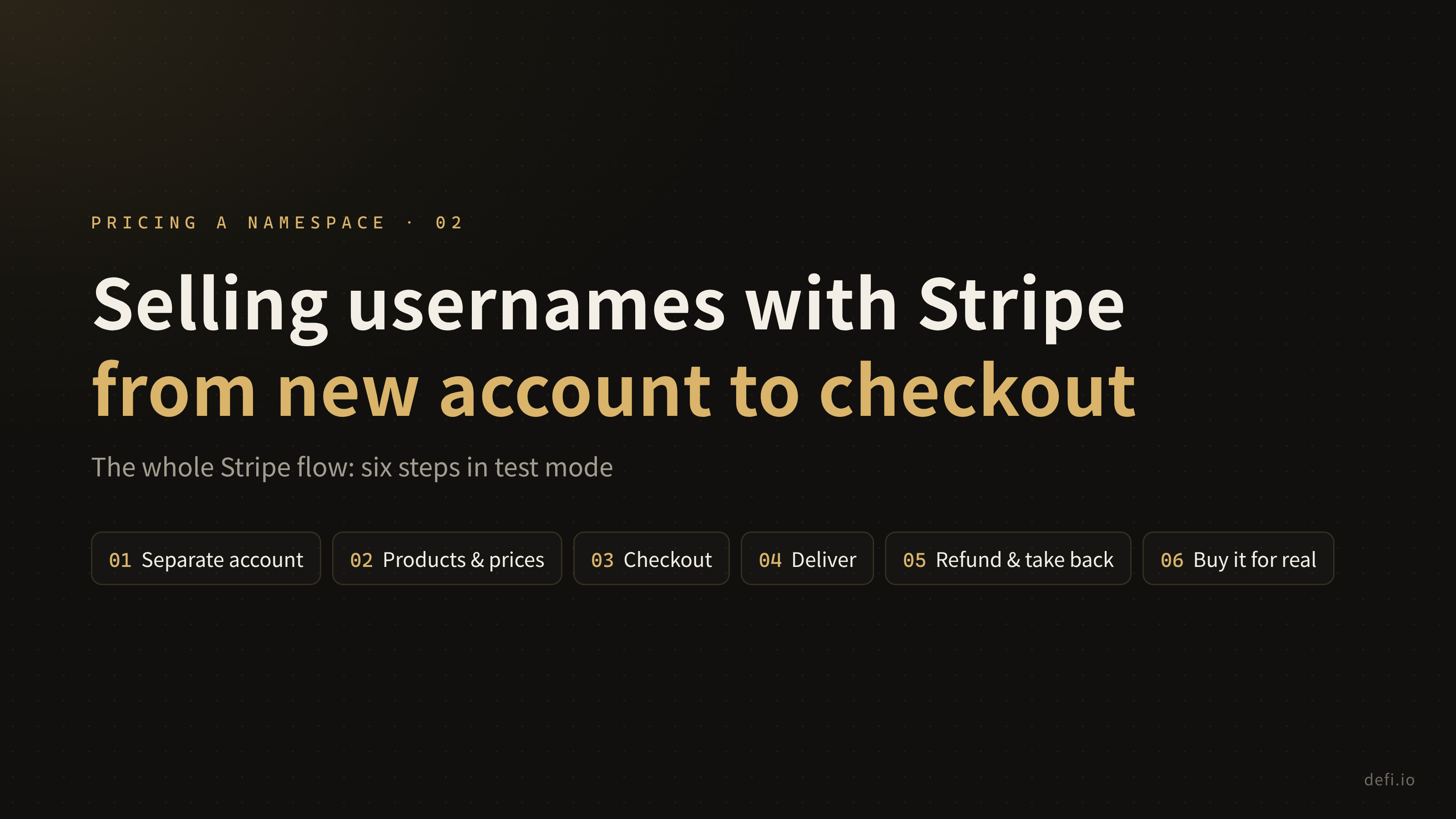
Wiring up Stripe in six steps: a separate account, products and prices, checkout, delivery, refunds and take-backs, and finally buying it end to end with a test card.
Once short usernames on defi.io had prices, the next job was letting people actually pay. This is part two of the series, and it walks through wiring up Stripe in order: from creating the account to buying a name end to end with a test card. Part three covers switching to live mode and taking the first real payment.
The whole flow has six steps:
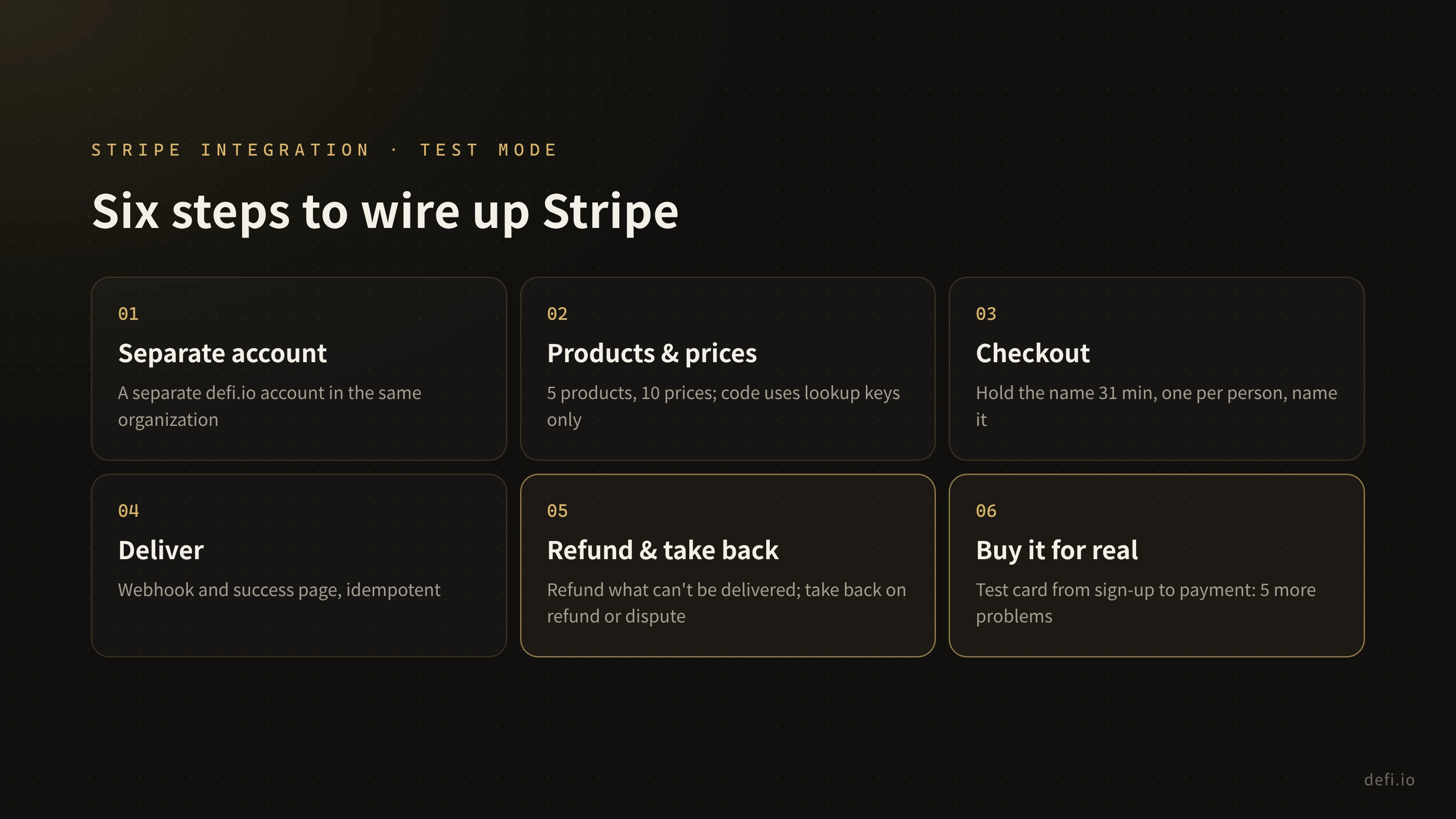
Step 1: Give defi.io its own account
I already run another product on Stripe. Instead of reusing that account, I opened a separate one for defi.io under the same organization.
That way each product keeps its own webhooks, keys, customers and refund history. If I ever need to rotate defi.io’s keys or look into a disputed payment, the other product is never involved. An extra account costs almost nothing up front, and splitting one apart later is a pain.
Step 2: Create the products and prices
Every short or premium name can be bought two ways:
- Yearly: a subscription that renews every year. After it expires there’s a 30-day grace period in which only the owner can renew; after that the name is released and anyone can buy it.
- Lifetime: one payment, nothing after.
Stripe holds 5 products and 10 prices: one product each for 1 to 4 characters, plus premium tier B, each with a yearly and a lifetime price. Premium tier A simply uses the 2-character price, so it needs no product of its own.
The code never refers to price IDs, only to lookup keys like username_4_yearly. Test mode and live mode have different price IDs, and switching between them doesn’t touch a line of code.
Step 3: Checkout
The user picks a name and a term, clicks “Continue to payment” and lands on Stripe’s checkout page. Three rules apply here:
- Hold the name for 31 minutes. A Stripe checkout session lasts at least 30 minutes; the extra minute makes sure the name isn’t released while the payment is still going through.
- One paid name per person.
- Checkout says exactly which name you’re buying. Stripe products are price tiers, so without this, someone buying the premium name long would see “2-character username” on the checkout page.
At first, single-letter names weren’t sold online at all. You had to email us and pay by invoice, because I assumed nobody would put $12,999 on a card. Then I realized checkout handles that amount just fine; the real risk is that some banks block large payments. So single letters are now sold online too, with a note suggesting you warn your bank first, or ask for an invoice instead.
Step 4: Deliver the name
The result of a payment arrives by two routes: Stripe’s webhook, and the success page the user is sent back to. Either may arrive first, and often both arrive. So delivering the name has to be idempotent: handling the same payment twice gives the same result as handling it once.
The webhook only accepts signed events that are marked as belonging to defi.io, and it handles eight kinds: checkout completed, async payment succeeded, checkout expired, subscription updated, subscription deleted, invoice paid, refund, and dispute.
Step 5: Refund what you can’t deliver, and take back what was refunded
This step set the most important rule in the whole flow: if we take the money, we deliver the name; if we can’t deliver, we refund in full.
It sounds obvious, but there are more edge cases than you’d think. Say someone leaves the checkout page open for more than 31 minutes before paying. By then the hold has been released and someone else may have bought the name. The money is taken, and the name can’t be handed over.
Now every successful payment ends one of two ways:
- Delivered: the name is still free and you hold no other paid name, so you get it anyway.
- Refunded: otherwise, a full refund goes out automatically. If the payment started a subscription, the subscription is cancelled first.
Refunds use the checkout session ID as the idempotency key, so even if the webhook and the success page fire at the same moment, the money is refunded once. If a refund fails, the webhook returns an error so Stripe retries it later.
It works the other way too: fully refund a payment in the Stripe dashboard, or have it disputed, and the name it bought is taken back and its subscription cancelled. Every release records why: hold timed out, replaced by a newer checkout, checkout expired, yearly name lapsed, refunded, disputed, or released by an admin.
Step 6: Buy it for real, end to end, with a test card
With the code written, the unit and request tests all passed. But tests only check the cases you thought of. So the last step was to act like a real user in Stripe’s test mode and click through everything, starting from sign-up.
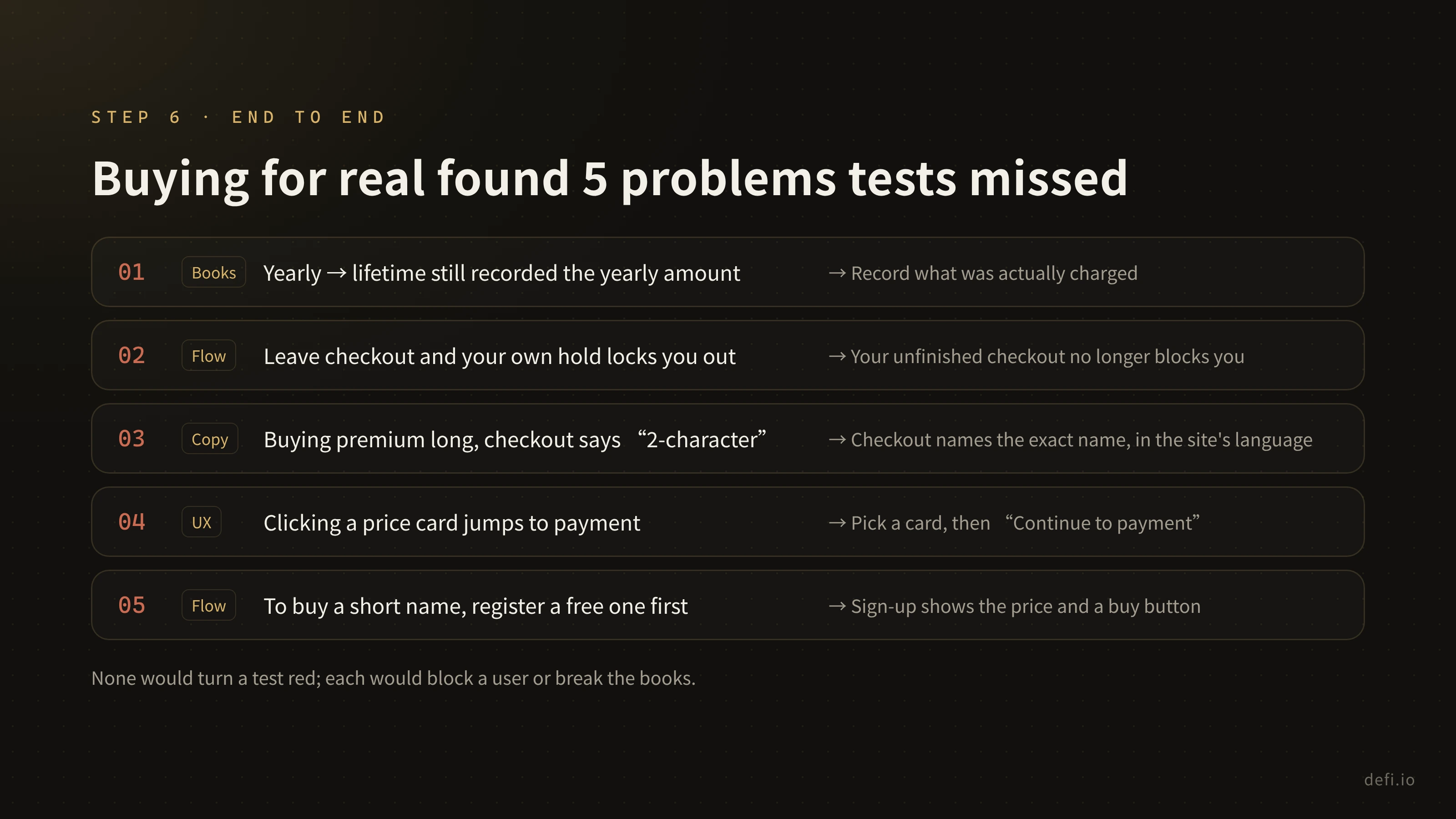
That run turned up five problems the tests didn’t cover:
- Switching from yearly to lifetime still recorded the yearly amount. Now the amount is whatever was actually charged when checkout completed.
- Leaving the checkout page locked you out. Your own unfinished checkout was holding the name. Now buying again releases the old hold and expires the old checkout page.
- Checkout said “2-character username”. That’s where the rule in step 3 came from.
- Clicking a price card went straight to payment. Now you pick a card, then click a clear “Continue to payment”.
- To buy a short name, you first had to register a free one. Now the sign-up page shows the price and a buy button right away, and after paying you land on your new page.
The “refund what you can’t deliver” rule was verified in this step too: with a name already taken, a second person still paid the $4,999 lifetime price, and got a full refund automatically, exactly once.
Once those were fixed, each of the five got a test. Here’s every Stripe-related test running now, all 35 passing:

Looking back at the six steps
The first five steps are design; the sixth is verification, and you need both. Design decides how the flow should work. Buying it for real is the only way to confirm it actually does.
If you’re adding Stripe to your own product, these six steps carry over almost as they are: keep the account separate, manage prices by lookup key, hold the item during checkout, make delivery idempotent, refund what you can’t deliver, and finish by walking through the whole thing with a test card.
Next up: going live, switching from test mode to live mode, and taking the first real payment.
Repost this post?
Share with your followers.
Reply